If you are a photographer, you already know the pattern.
Someone asks "How much do you charge?" and you have to reply with five more questions. Hours, travel, edits, delivery speed, usage, and a few add-ons.
That back-and-forth is normal, but it is expensive. It costs time, and it creates inconsistent pricing because you end up quoting from memory.
This post shows a package system you can set up once, then reuse on every inquiry.
If you also shoot brand work or UGC, pair this with: Usage rights, whitelisting, and exclusivity: a pricing checklist.
The rule: packages first, add-ons second
Clients buy clarity. Packages give them a clear comparison.
Start by defining 2 to 4 packages. Then add a small add-on menu. If you offer everything as custom from the first message, you create decision fatigue and you make your own quoting harder.
Build packages from five building blocks
1) Time or quantity
Pick the base unit that matches the work:
- Weddings and events: hours of coverage
- Portraits: session type and time block
- Product photography: number of SKUs and images per SKU
2) Deliverables
Spell out the deliverables in plain language:
- number of edited images
- gallery delivery method
- whether prints or albums are included
3) Travel
Travel is easy to forget and easy to resent. Make it a simple banded add-on:
- local included
- 1 to 2 hours away
- destination (flight required)
4) Delivery speed
Rush delivery is real work. It changes your schedule. Make it a selectable option, not a favor.
5) Usage rights (commercial vs personal)
For portraits, a common split is:
- personal use
- commercial or brand use
For product work, clarify where the images will appear:
- e-commerce listings
- paid ads
- packaging
If you want a licensing overview you can link, WIPO is a good reference: WIPO IP assignment and licensing.
Example packages you can copy
Adjust the numbers to match your market. The structure is what matters.
Portrait sessions
- Mini: 20 minutes, 1 location, 10 edited images, standard delivery
- Standard: 45 to 60 minutes, 1 to 2 locations, 20 edited images
- Branding: 90 minutes, multiple looks, 40 edited images, priority delivery option
Weddings
- Essentials: 6 hours, 1 photographer, digital gallery
- Signature: 8 hours, engagement session, faster delivery option
- Full story: 10 to 12 hours, second shooter add-on, album option
Product photography
- Catalog: clean background, basic cleanup, per-SKU pricing
- Lifestyle: in-use scenes, props and styling add-on, higher retouching tier
- Launch: lifestyle + short unboxing clip add-on, faster turnaround
Your add-on menu (keep it short)
Add-ons are where you protect your time and keep packages comparable.
Common add-ons that clients understand:
- extra retouching (skin, flyaways, composites)
- extra outfit looks
- second shooter
- rehearsal dinner coverage
- prop styling
- model sourcing
- rush delivery
- extra revision round
Build your package flow
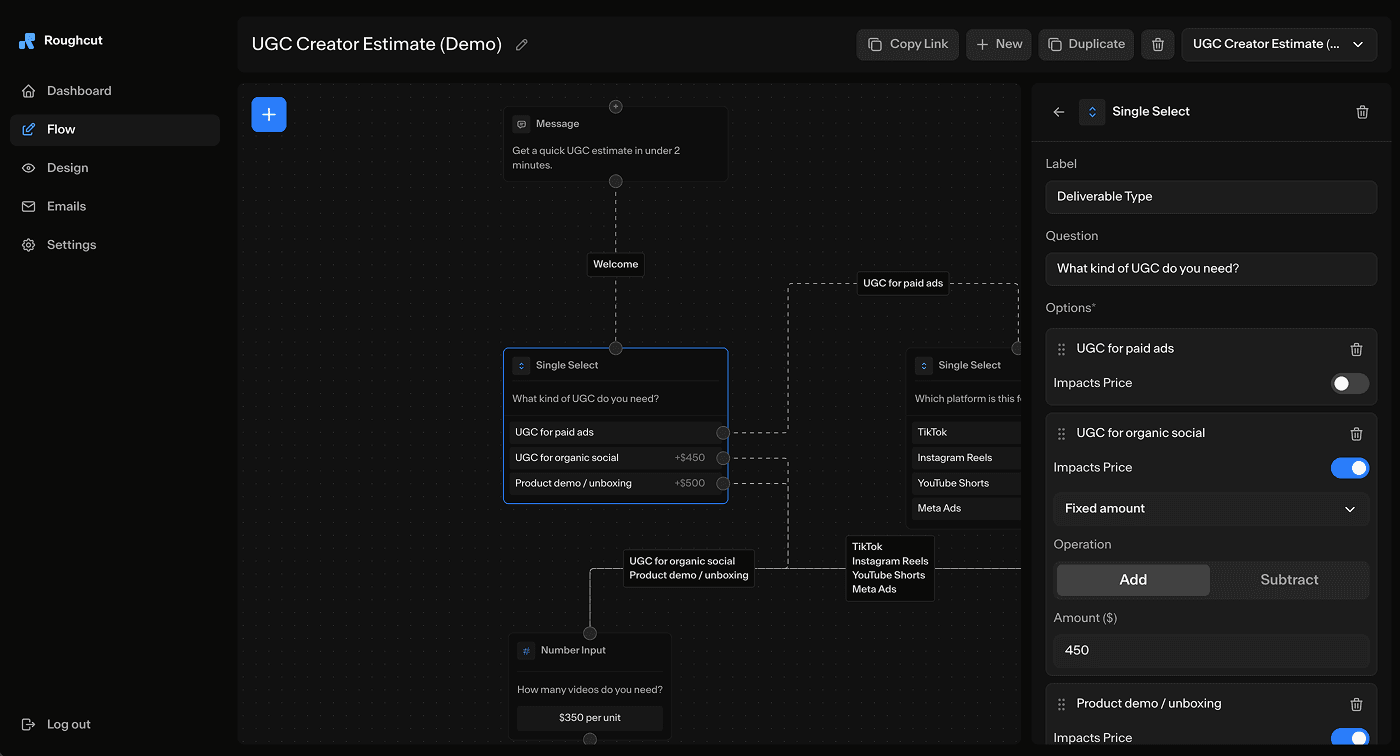
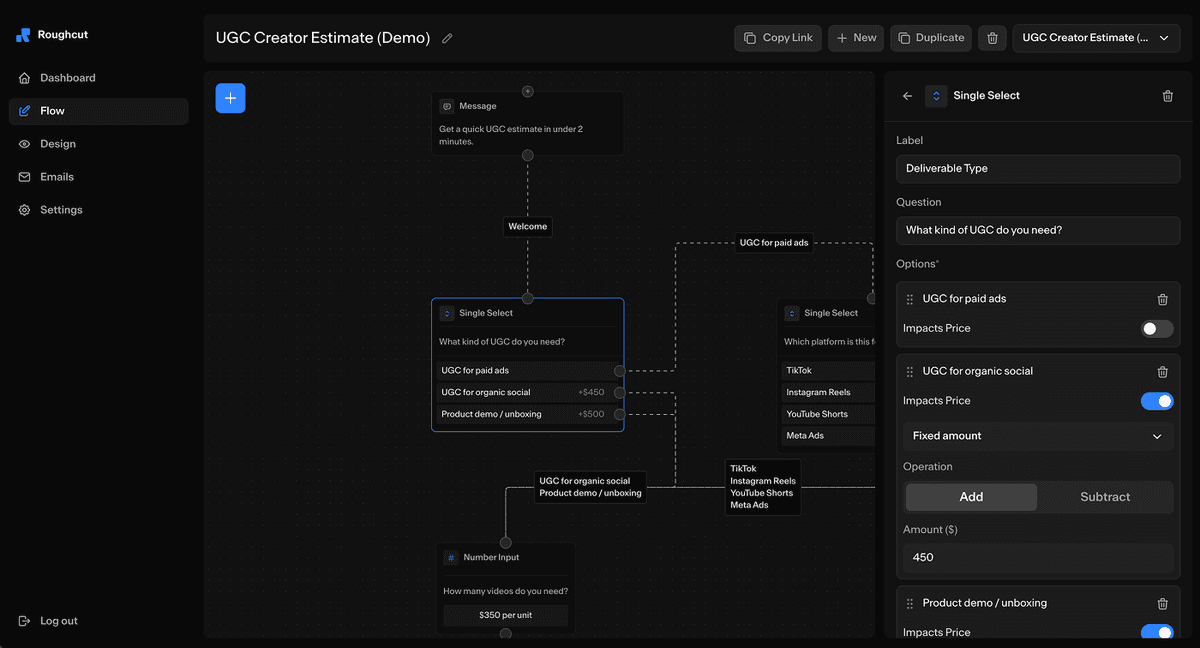
Turn your packages and add-ons into an interactive pricing calculator
Start free trialHow to quote commercial usage without awkwardness
Two practical ways:
- A percentage adjustment for commercial use (for example, +35% for brand use on portraits)
- A fixed usage add-on for a defined period (30 days, 90 days, 12 months)
The key is that the client chooses it. You should not have to "bring it up later."
If you also do creator work, this is the deeper checklist: Usage rights, whitelisting, and exclusivity.
Let clients self-select
Packages work best when you send one link and let clients pick. Try the Rate Calculator as a starting point.
Next: The 12 questions that turn inquiries into qualified leads.